日本語/English
「Hiragana with Sushi」Project
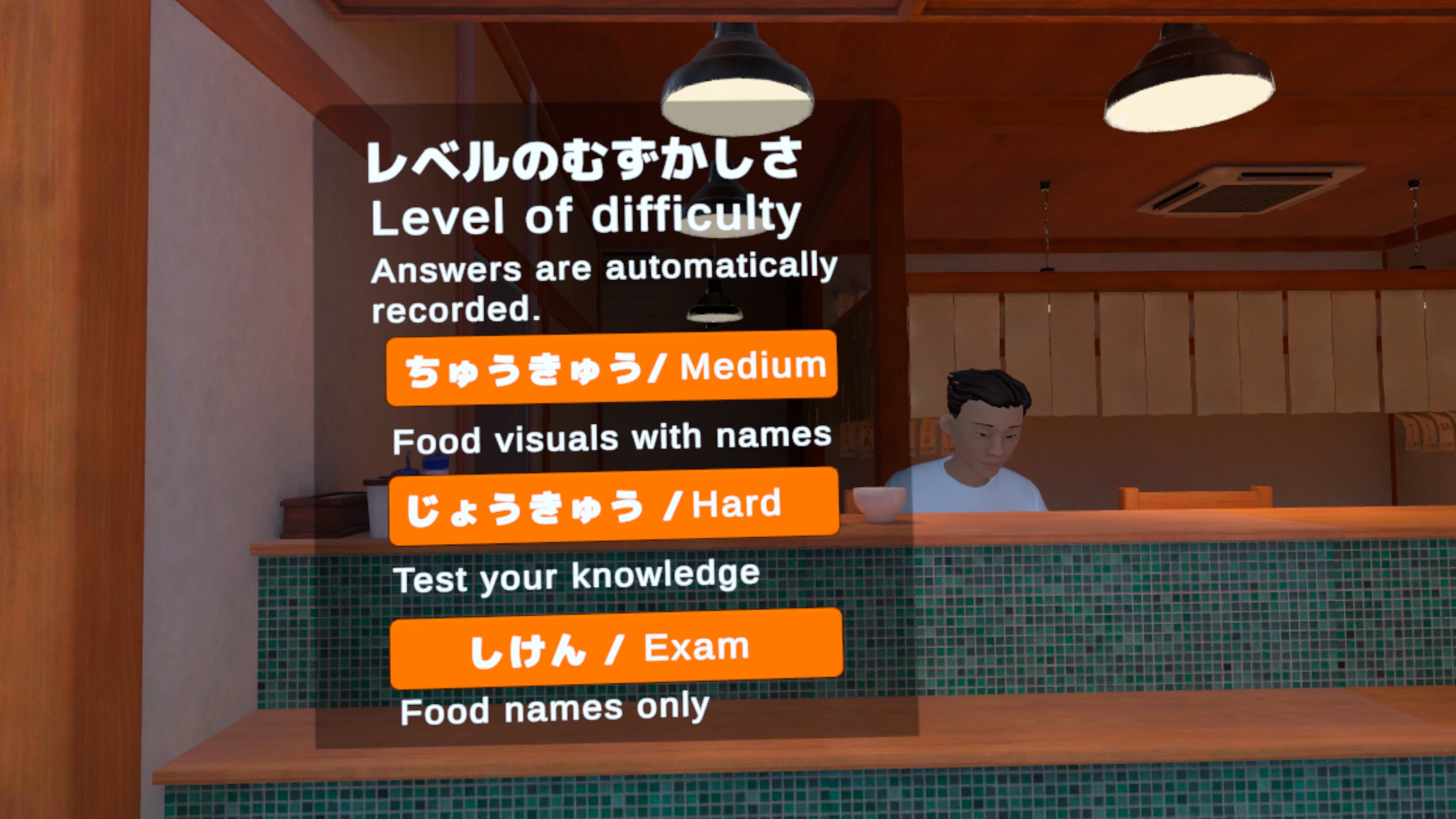
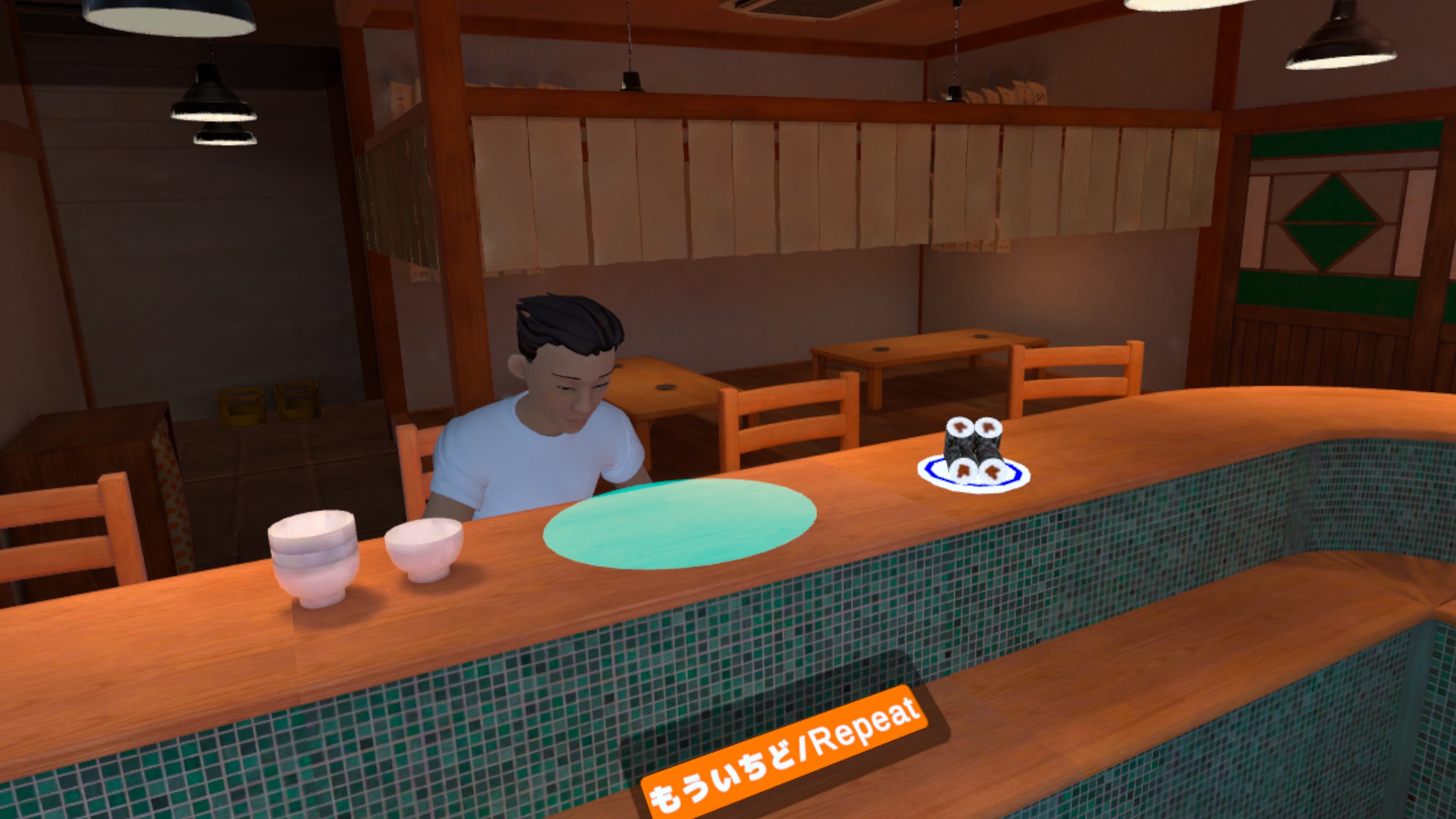
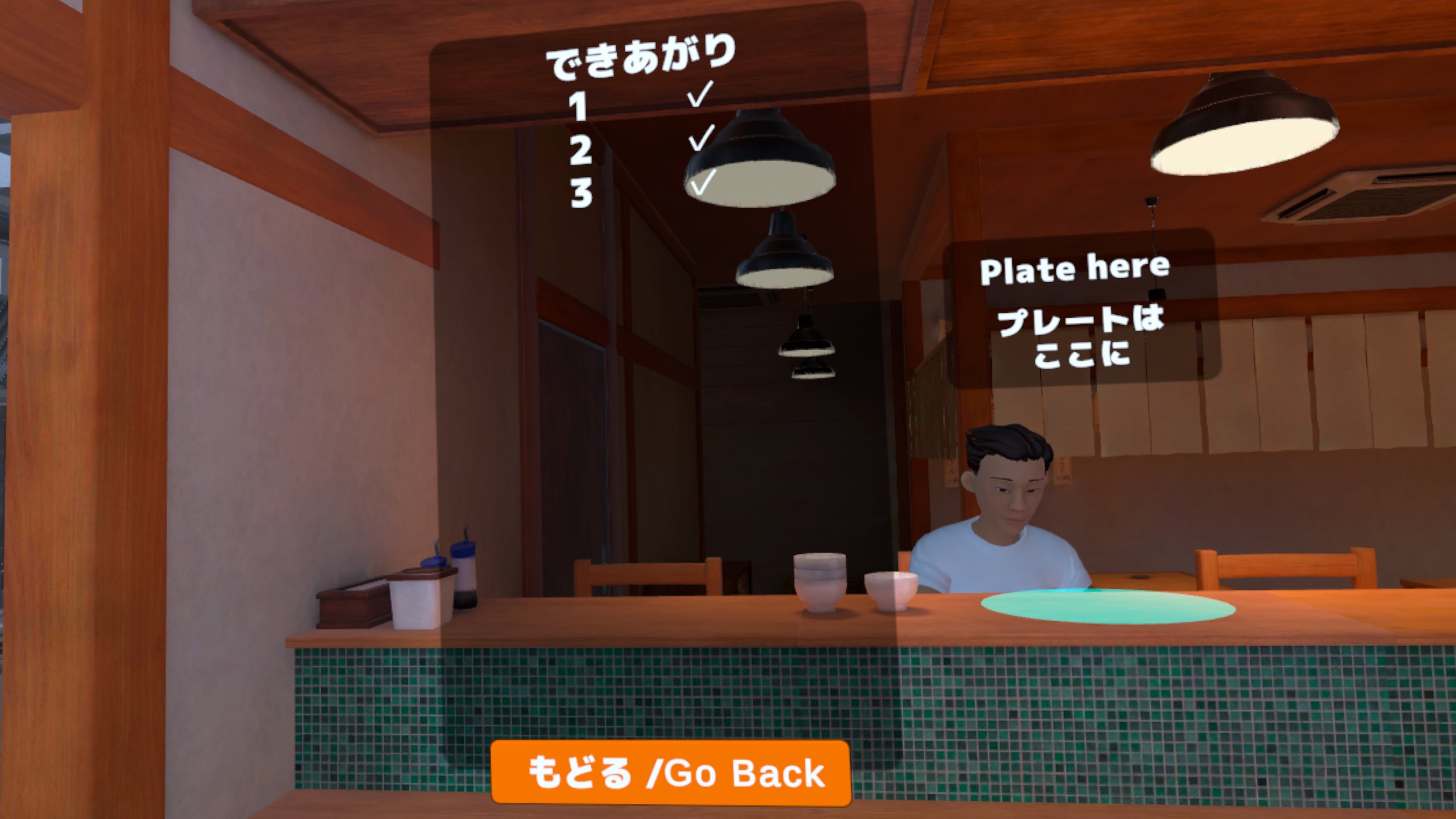
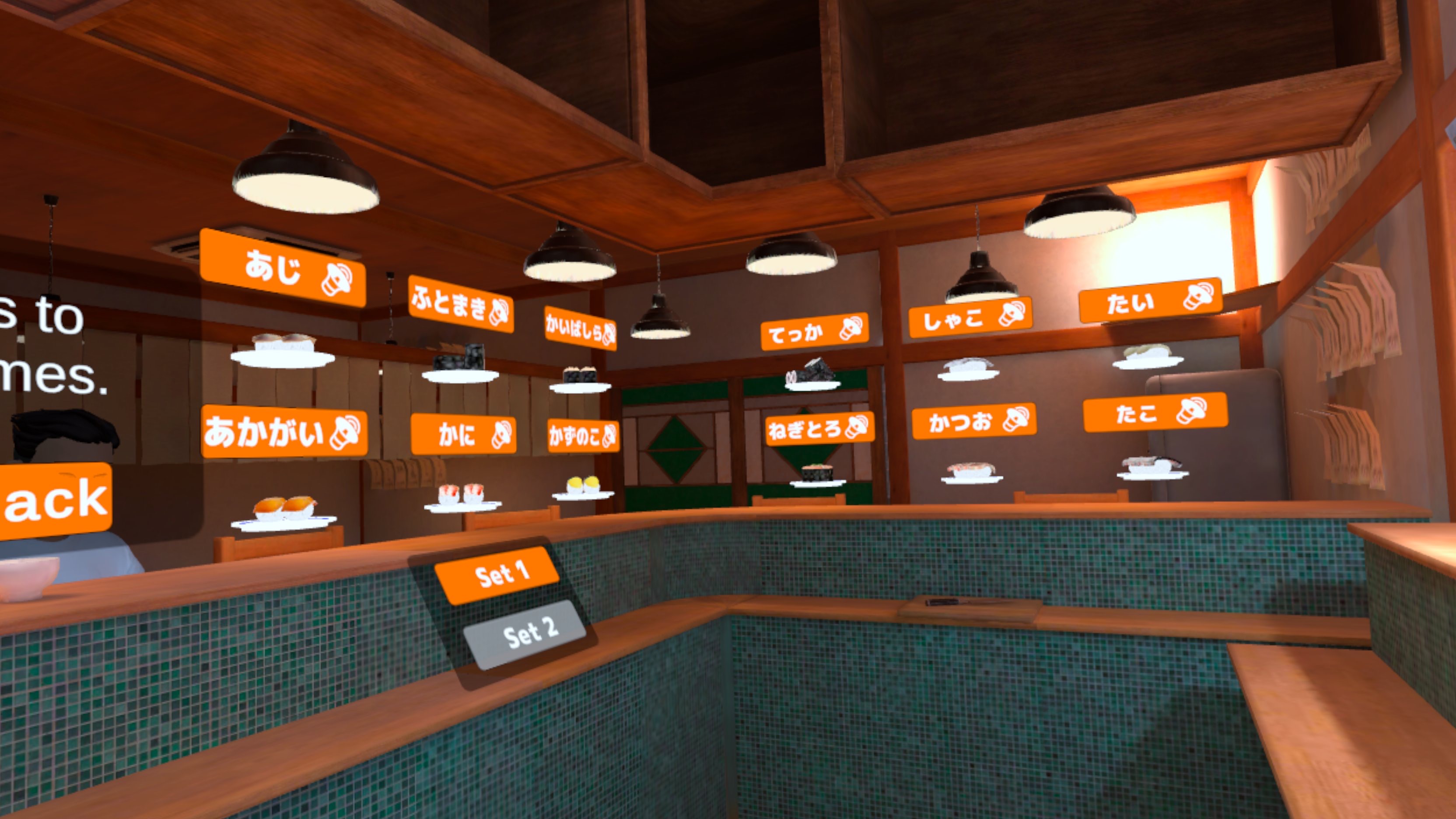
The purpose of this project was for faculty members interested in the use of VR in Japanese language education to investigate whether it was possible to produce VR content using internal university resources. The project was coordinated by Samet Baydar, a doctoral student in the Faculty of Education.
Phase 1: Game Design
The School of Polytechnics at Purdue University offers a course called “Studio” for students majoring in UX design (UX stands for user experiences). In this course, external “sponsors” (primarily local companies) present problems they wish to have solved, and students select topics that interest them to design solutions. When I spoke with the professor in charge of this course, I was invited to give a presentation as a sponsor. I presented on the theme of “Developing a VR Game for Fun Learning of Hiragana,” and about ten students expressed interest, leading to the formation of a team. Through discussions about the Japanese writing system and popular Japanese culture, the student team proposed a concept where students would learn Japanese characters by simulating the experience of ordering at a sushi restaurant. (This approach was particularly impressive because it offered a different perspective from the language-education-focused ideas that Japanese language instructors often fall into.) After a series of meetings and discussion, the team recorded a mock-up video featuring real people following the scenario. By the end of the semester, they presented a design that could be produced as VR content, marking the conclusion of the UX team’s project.
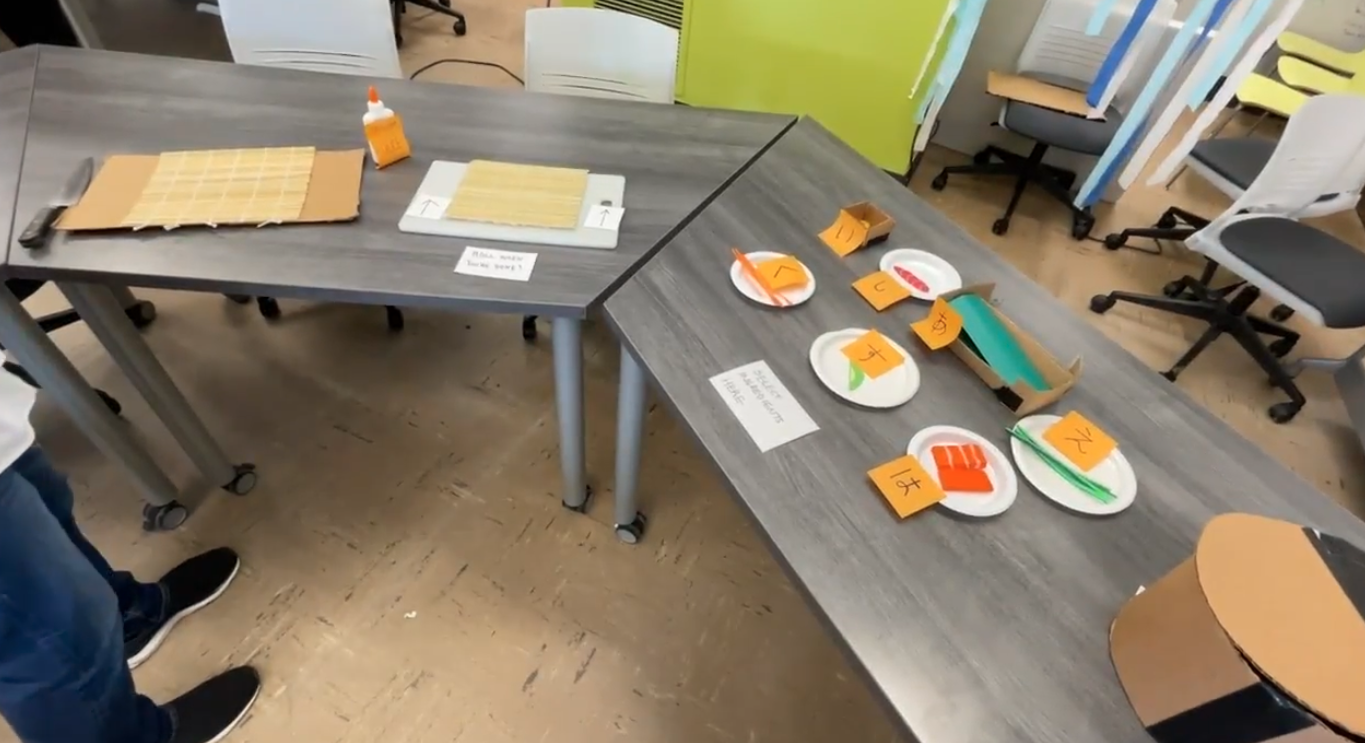
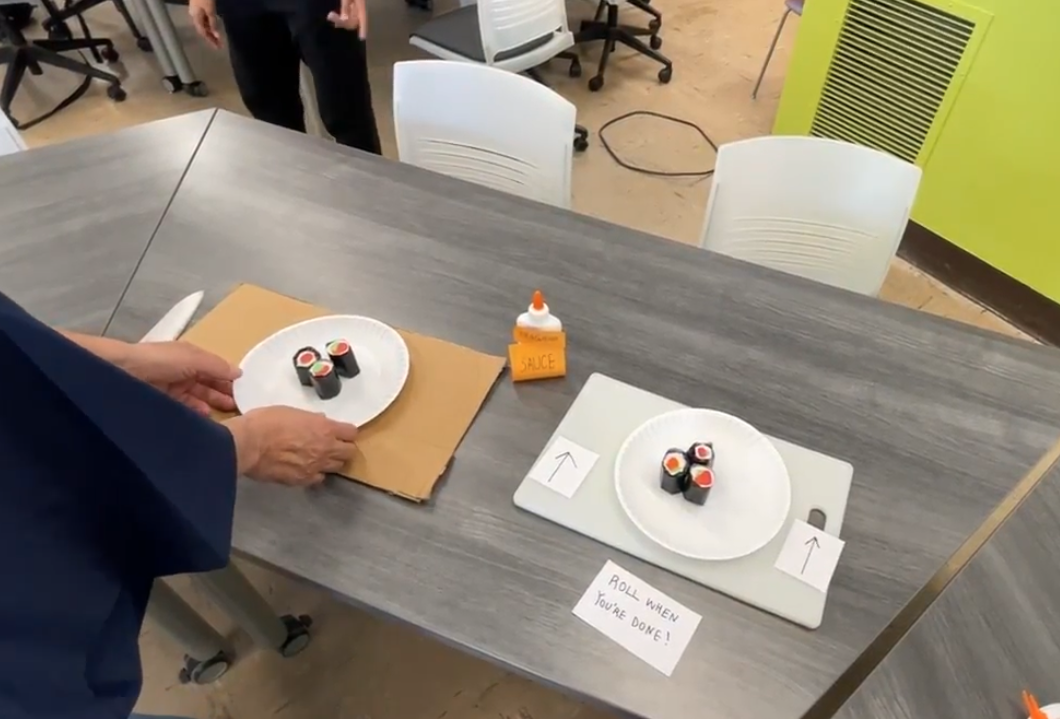
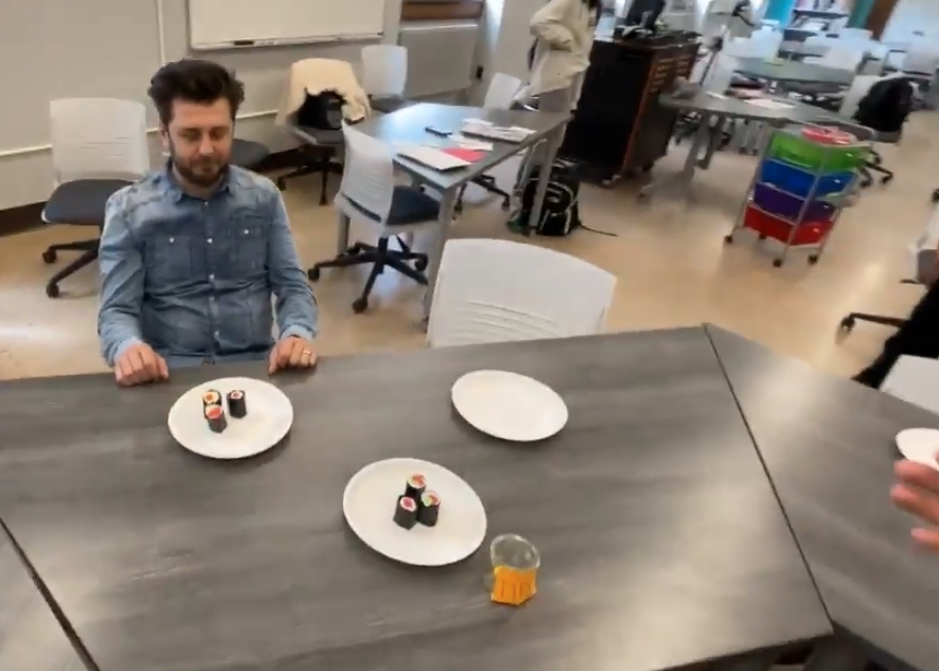
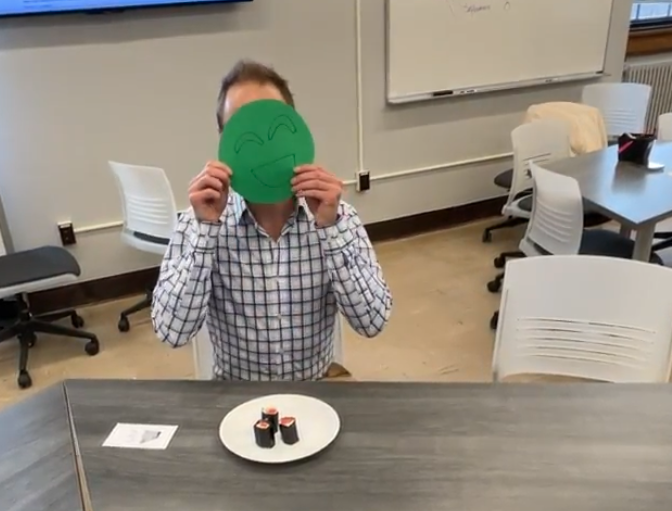
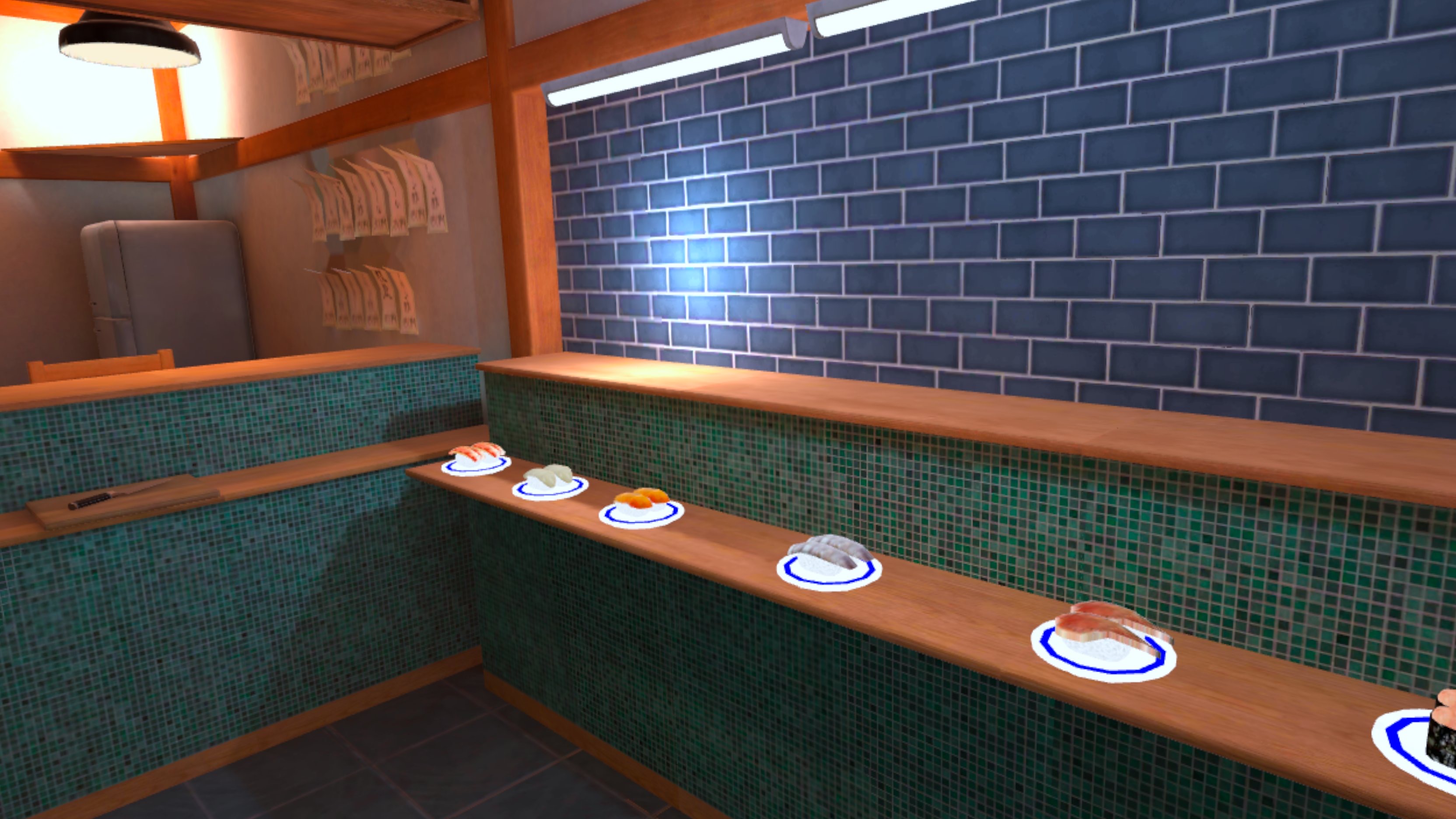
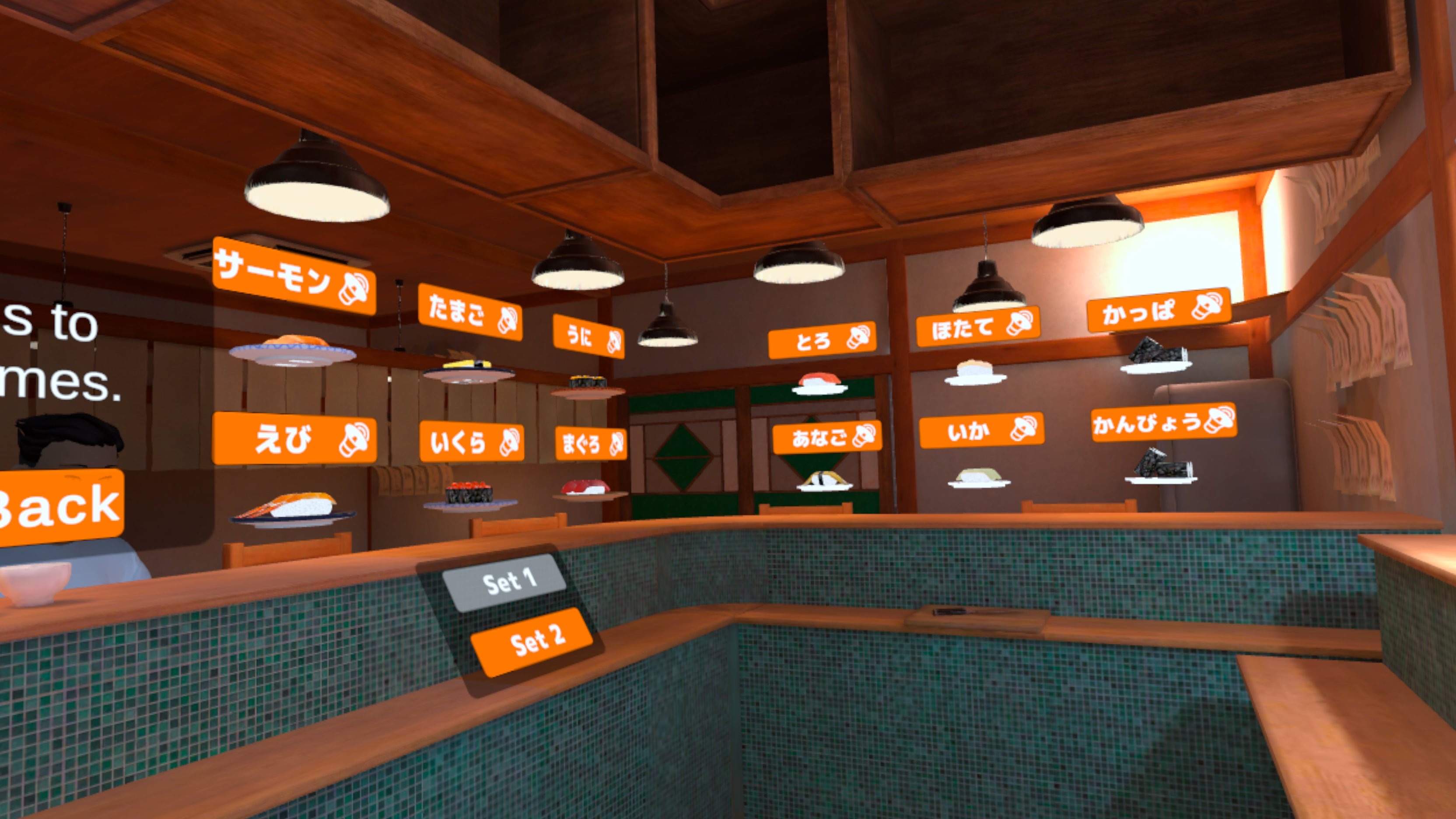
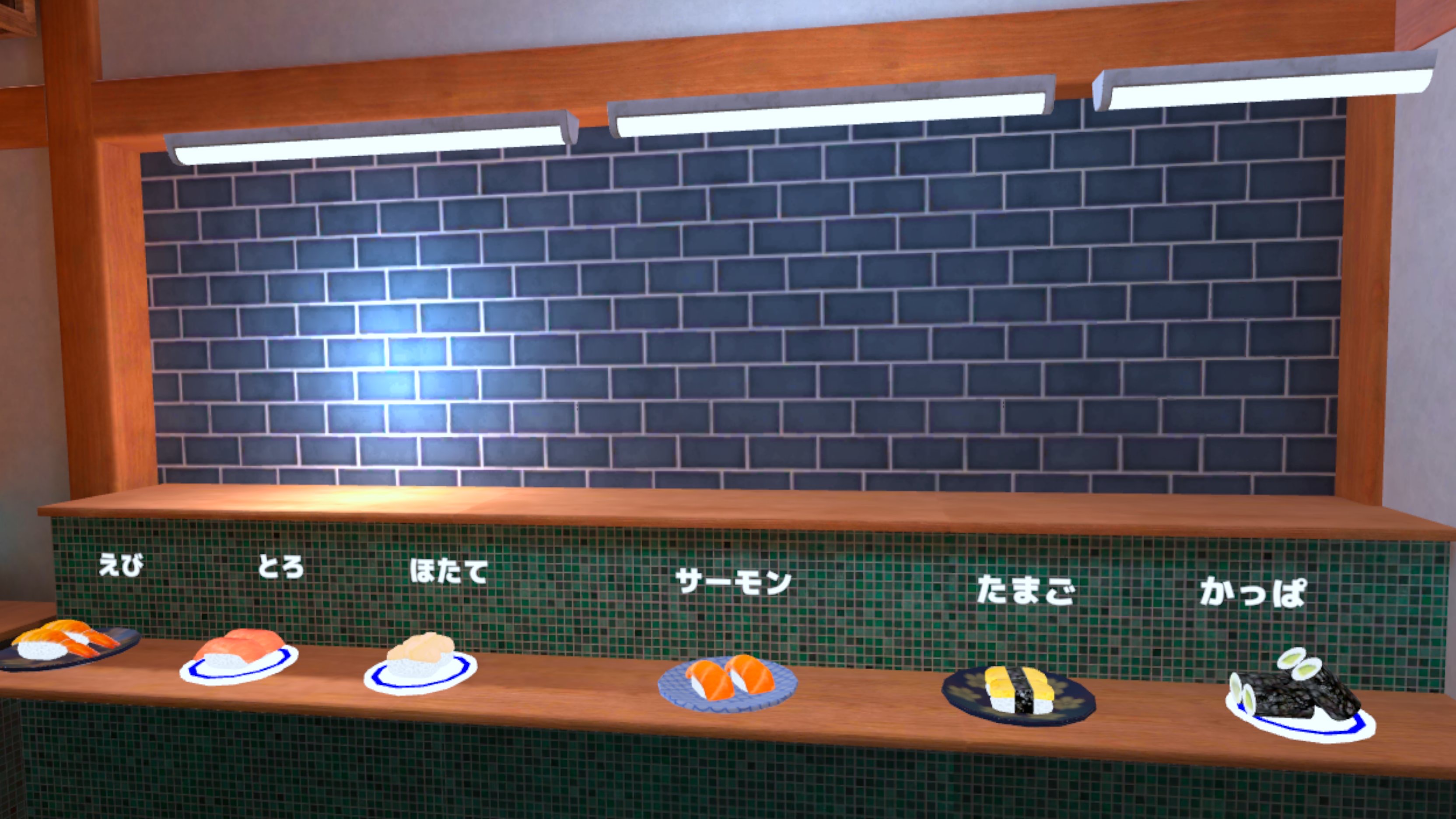
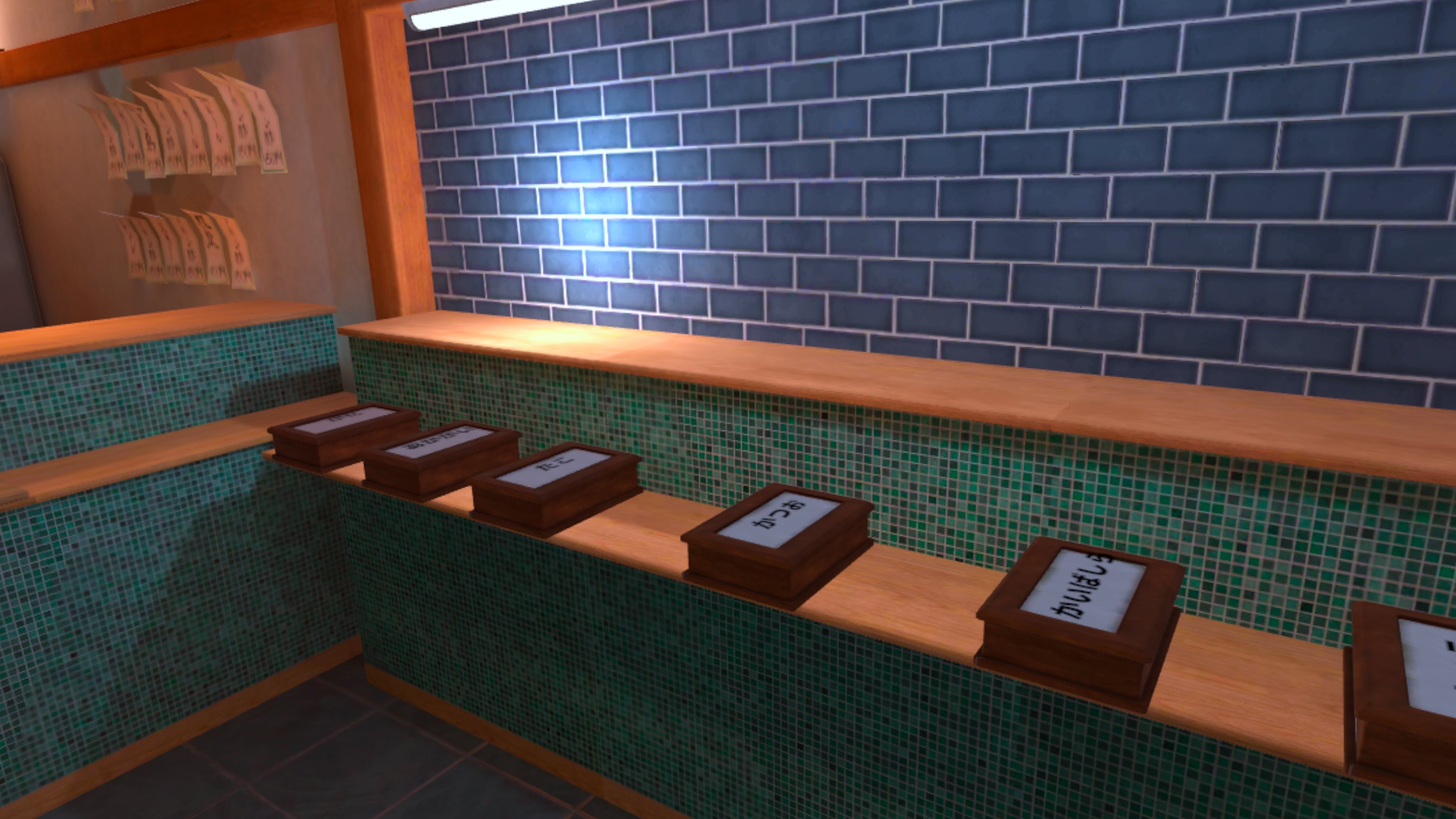
In the game, players must be able to read hiragana to serve the sushi toppings customers order, but since illustrations of the toppings are also provided, this naturally helps players build their vocabulary at the same time.
Phase 2: App Development Using Unity
While exploring the possibility of translating the design into VR content (through coding), a computer engineering student who happened to be taking a Japanese language course became interested in the project. As part of her own programming project, she used Unity to create real-time 3D content based on the design and mockup videos, successfully completing a prototype. Assets such as the sushi restaurant interior, customer characters, and sushi toppings were purchased. Subsequently, we hired a graduate student in CG technology (Angela Jimenez) as a research assistant, and she completed an APK file ready for distribution on Meta Quest headset.
Phase 3: Verifying the Game’s Effectiveness
We had learners enrolled in beginner-level Japanese classes try out the game and conducted a survey regarding its effectiveness and their experience using VR. The feedback from the learners was positive. We presented these results at two academic conferences. 2025 CALICO Symposium “Role-play in Immersive Virtual Reality: Working in a Sushi Restaurant” (Samet Baydar & Kazumi Hatasa) and 2026 IALLT-FLEAT8 “Interdisciplinary Collaboration for Language Learning: Sushi Restaurant Game in VR” (Samet Baydar & Kazumi Hatasa)
Through this project, we verified that developing educational games using VR requires expertise in different fields, including educational content, instructional design, game design, and programming. We found that, at least at a university like Purdue, development is possible using only internal human resources; however, we also learned that it requires a significant amount of time and energy, even with very limited educational content.
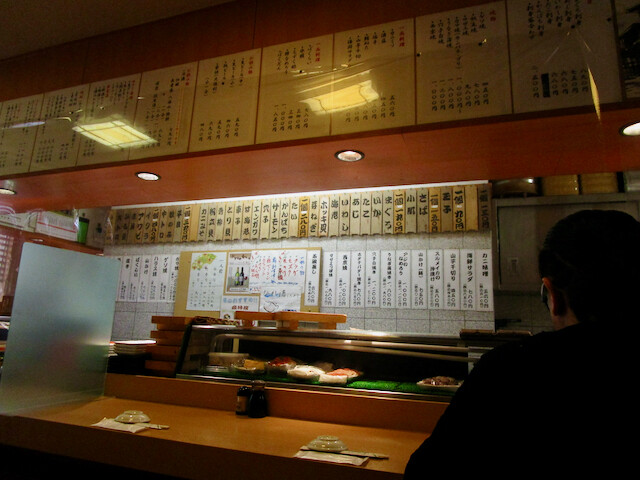
Photos of actual sushi restaurants

1. Using the Meta Horizon app on the smartphone linked to the headset, turn on “Developer Mode.”
2. Access the following URL from your computer's browser and register as a developer.
https://developers.meta.com/horizon/sign-up/
3 Download the ZIP file (sushi-hiragana.zip) from the provided link and extract it to find the “SushiV2sets.apk” file.
4 Connect the headset to your computer using a USB cable, and use the SideQuest app to transfer the APK file to the headset.
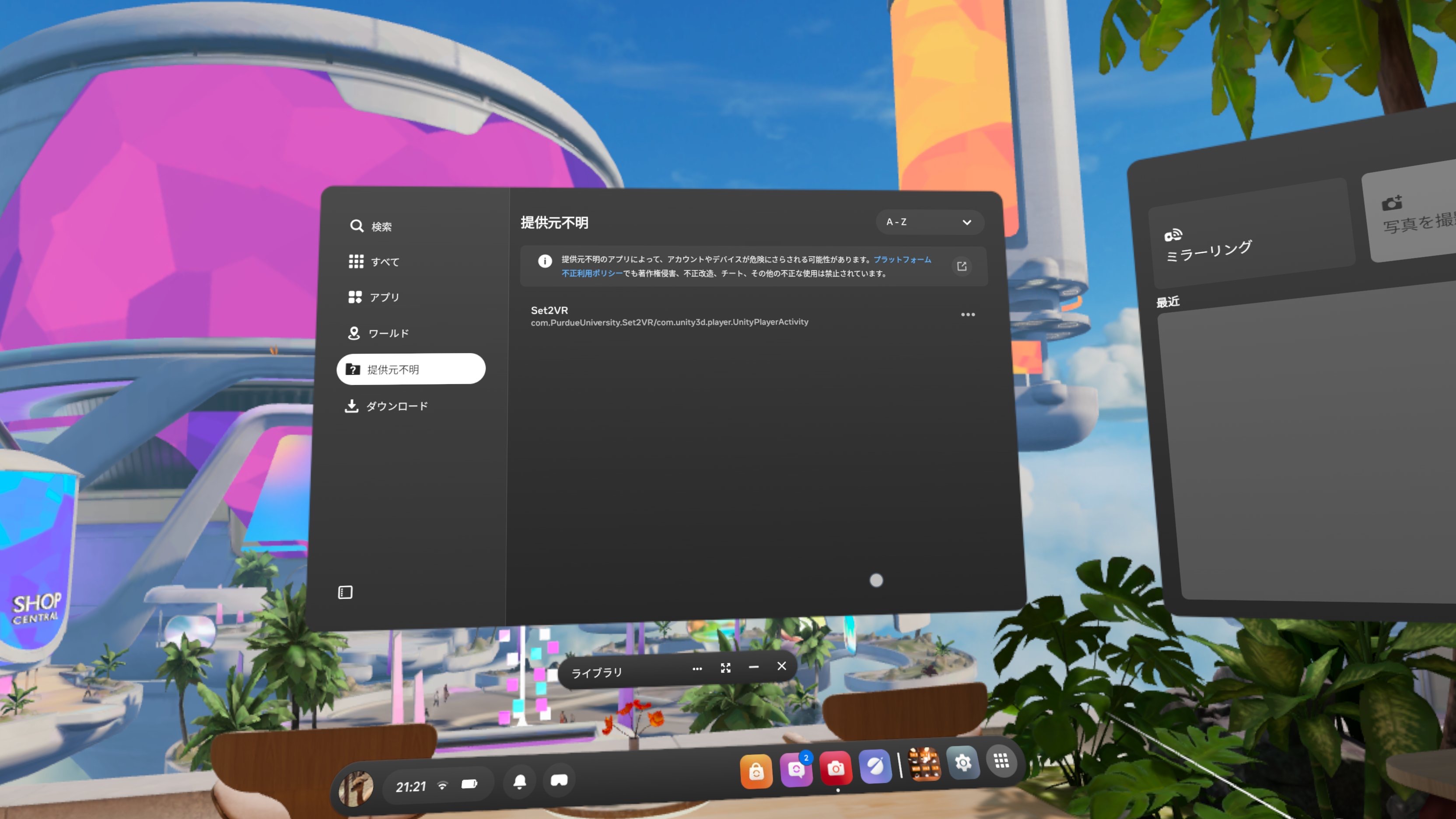
5 Open the “Unknown Sources” folder in the headset's library, select “Set2VR,” and start the game.
1. Turn on developer mode on the headset.
Install and open the Meta Horizon app on your smartphone.
Open “Devices” from the app's “Menu” (the three horizontal lines in the top-left corner) and pair the headset with the app.
Select the connected headset.
Select “Headset Settings” and turn on “Developer Mode.”2. Open the following URL in your computer’s browser.
https://developers.meta.com/horizon/sign-up/
Log in to your Meta account and register to become a Meta Horizon developer.
You will be asked to enter an “Organization Name.” You can choose any name you like, so enter something like “my project.”3 Click the file name below to download the ZIP file. After extracting it, you will find “SushiV2sets.apk”.
sushi-hiragana.zip4 Download and install the SideQuest Desktop App (for Windows or Mac) from the URL below onto your computer. (SideQuest is an app for transferring files from your computer to the headset.)
https://sidequestvr.com/setup-howto5 Open SideQuest and connect the headset to your computer using a USB cable. (No login is required.)
Once the connection is successful, the red icon in the upper-left corner of the screen will turn green.
Click the download icon (downward arrow), select the APK file (SushiV2sets.apk), and download it to your headset.

6. Disconnect the headset from your computer via USB, then put on the headset. Open the “Unknown Sources” folder in the library, select Set2VR, and start the game.
Contact: Kazumi Hatasa
khatasa@purdue.edu
Purdue University